Your phone, on your terms.
Focus Launcher replaces your home screen with a quiet, text-first one — and gives you gentle tools to break the loop of reflexive phone use.
Get it on Google PlayFree · no account · no ads · no tracking
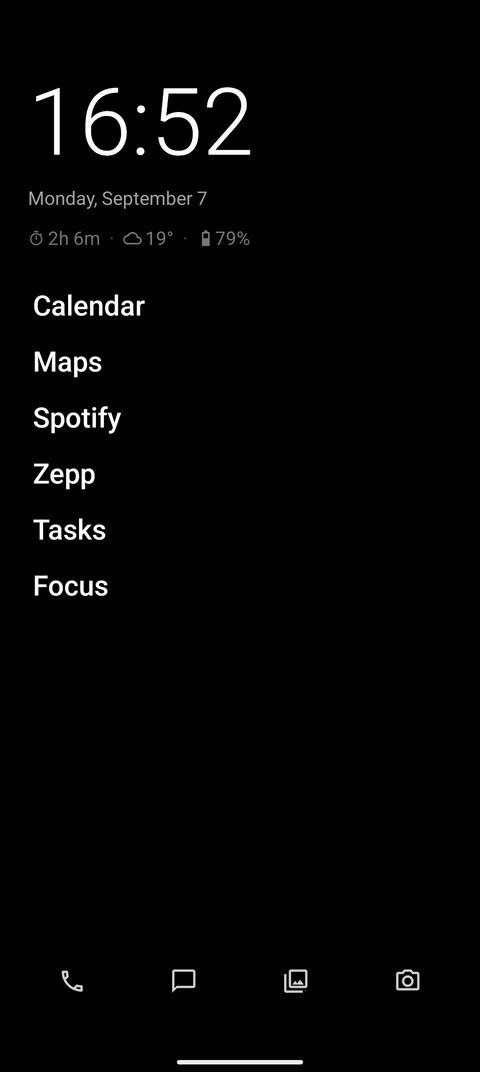
A pause before the scroll
Pick the apps that eat your hours. Each one opens only after a few slow breaths — long enough to notice whether you actually wanted it. And when you reach the daily limit you set, it simply stops.
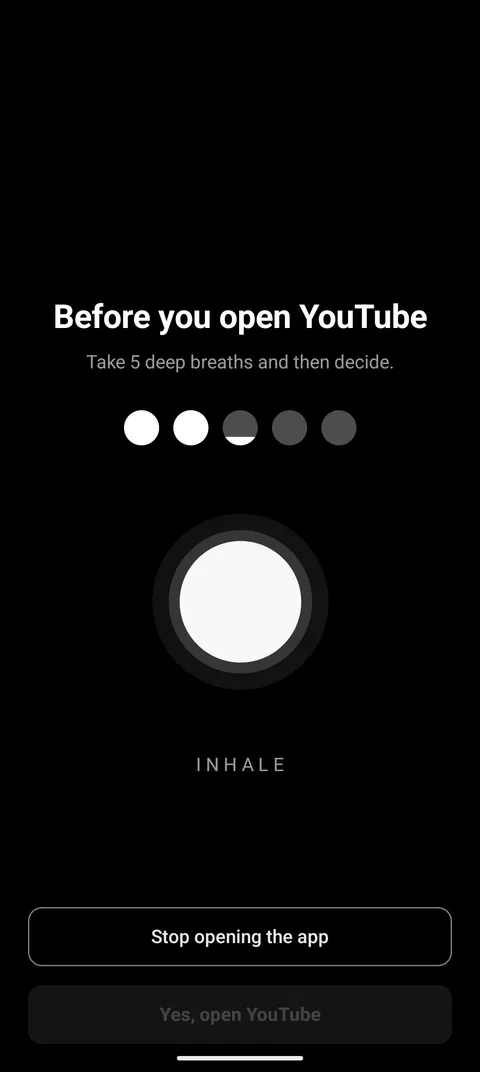
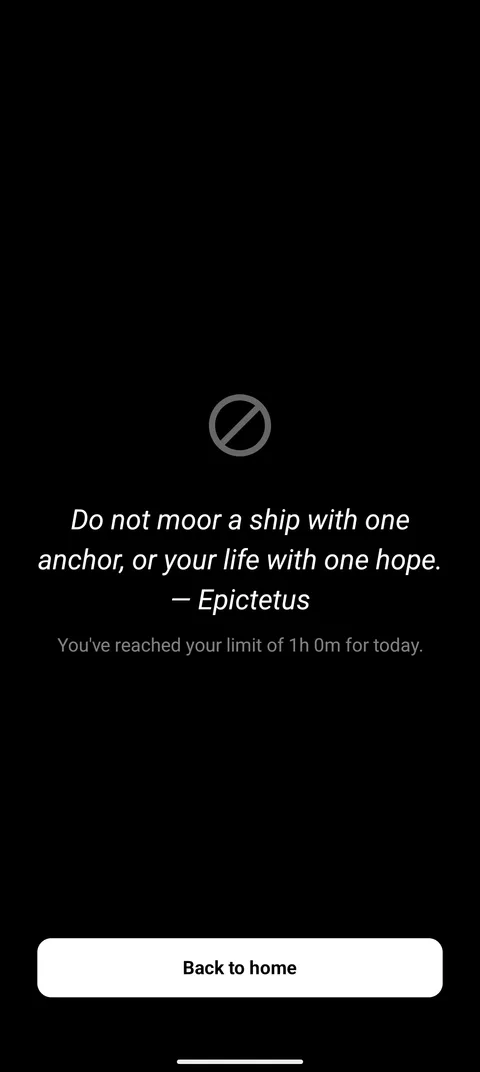
Make it stick
Limits are only as strong as the moment you want to change them. Protect yours with a PIN — ideally one someone else sets — or hard-lock a blocked app until the block ends.
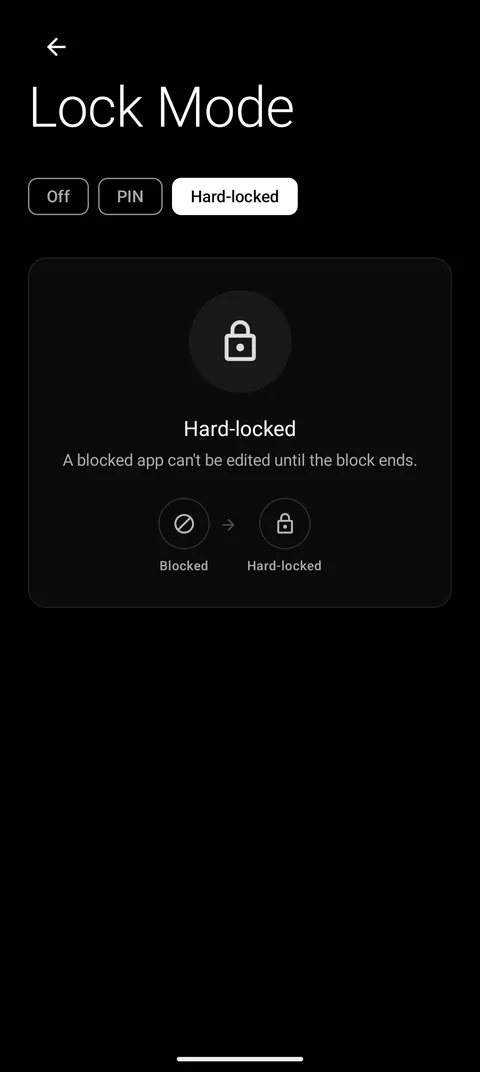
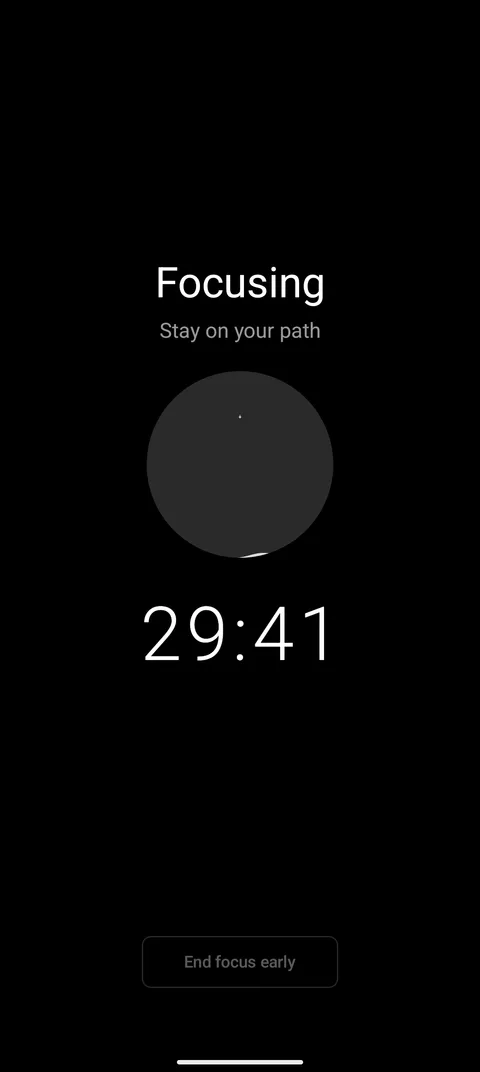
Stay on your path
Start a timed session. The apps you blocked stay blocked — from notifications, recents, everywhere. Ending early takes a few deliberate breaths first.
The honest number
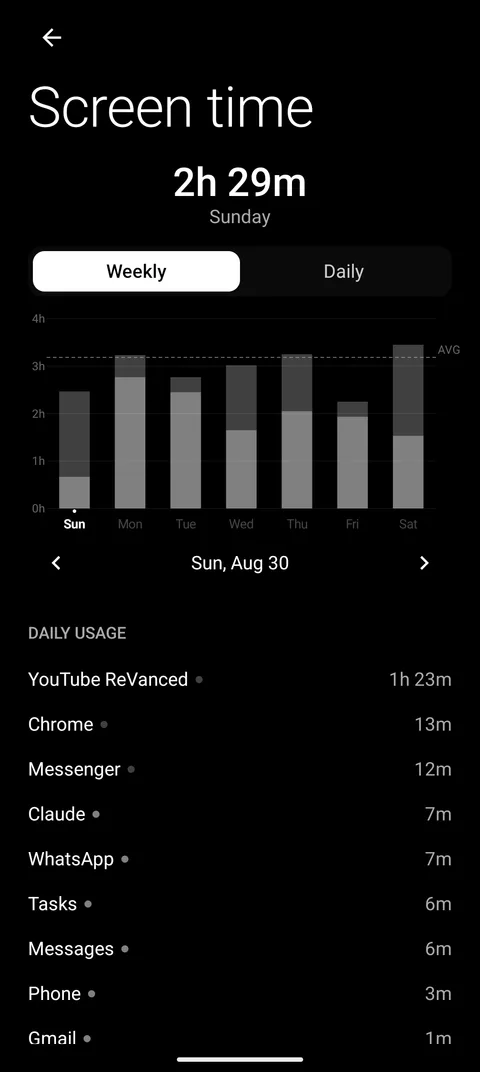
Daily and weekly stats, app by app, sorted into productive, neutral and distracting. Onboarding starts by showing you the real number next to your own guess.
One swipe away
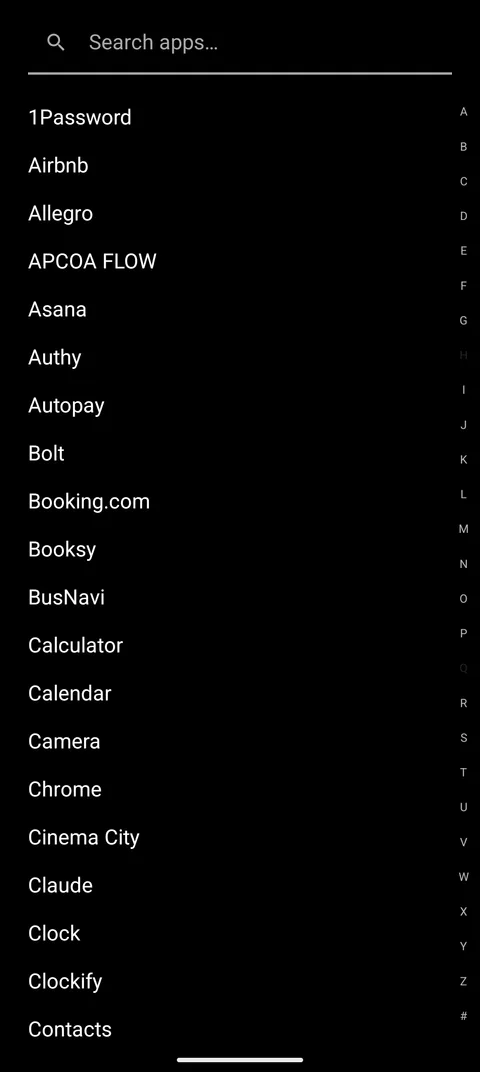
The home screen holds only what you chose. Every other app lives in an alphabetical drawer with search and an A–Z rail — there when you need it, invisible when you don't.
Private by design
No account, no ads, no analytics. Your usage data never leaves your phone. Read the privacy policy.